Architecture and Interior Renders

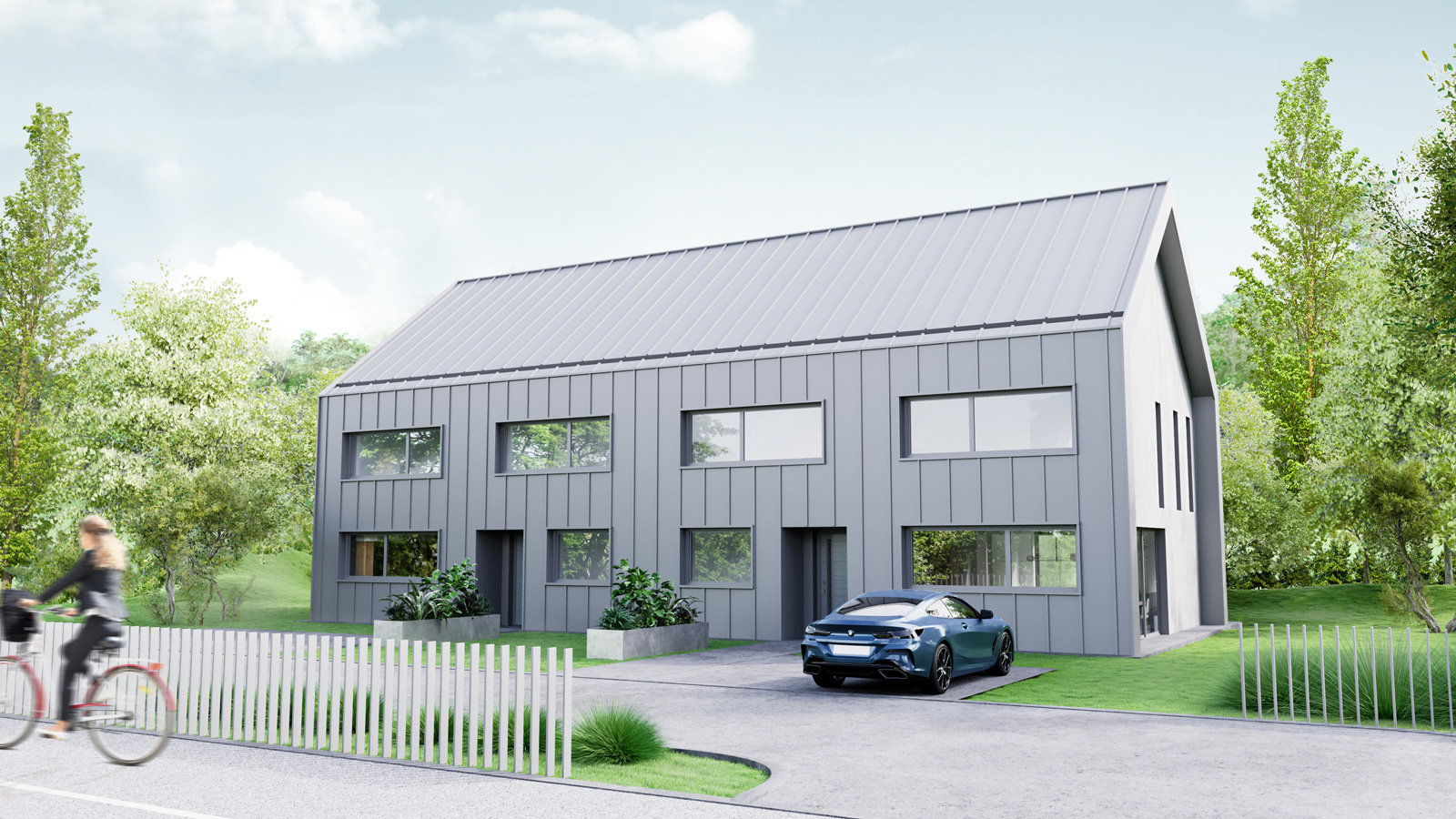
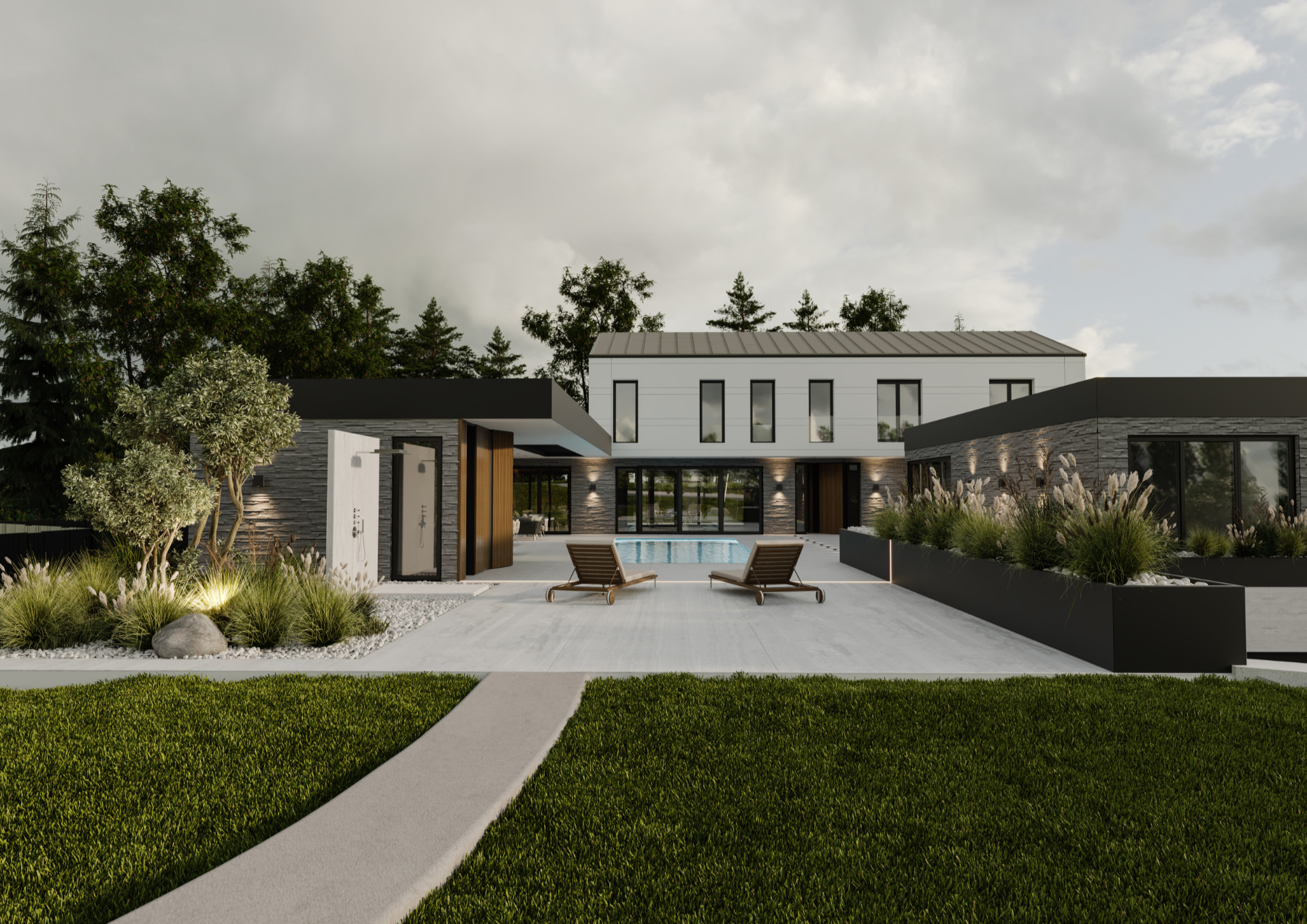
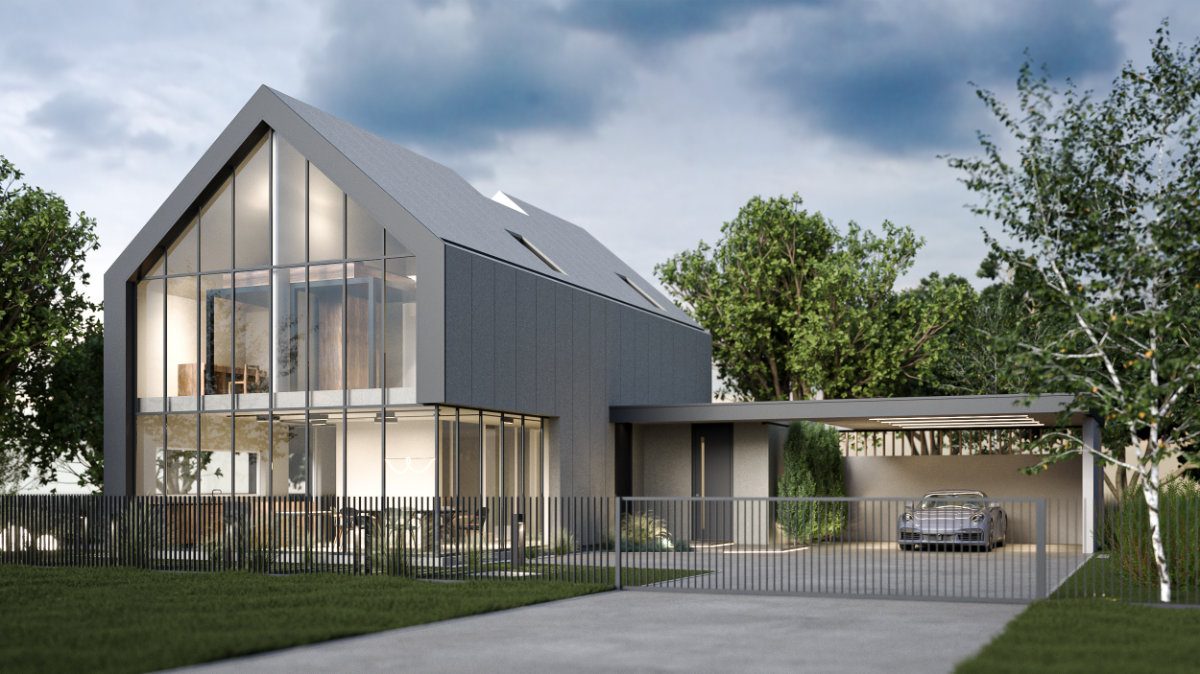
Duplex V

Architecture and Interior Renders

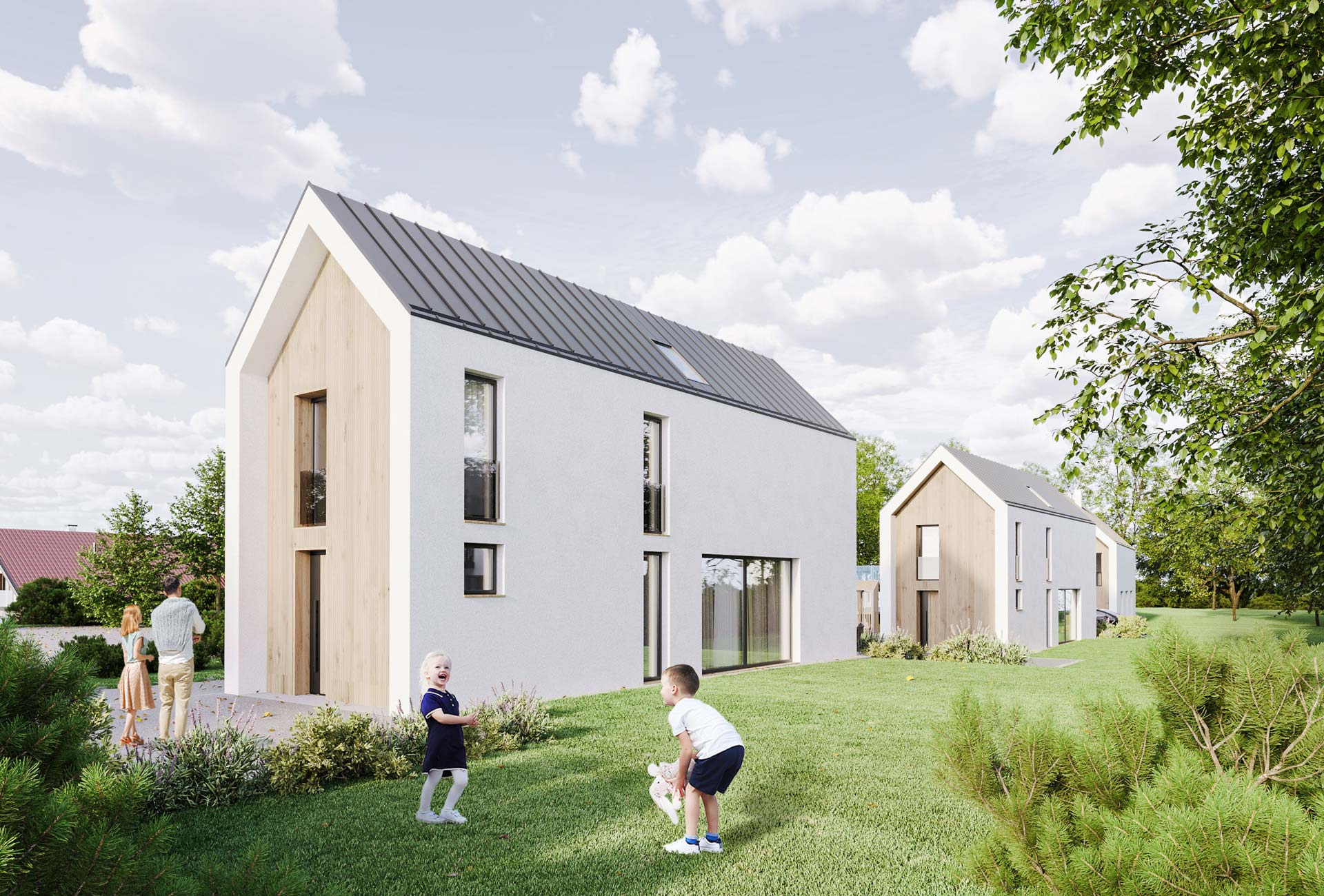
Tomišelj Tall Houses

Architecture and Interior Renders

Apartment NEU

Architecture and Interior Renders

Villa K

ARCHITECTURE INTERIOR RENDERS

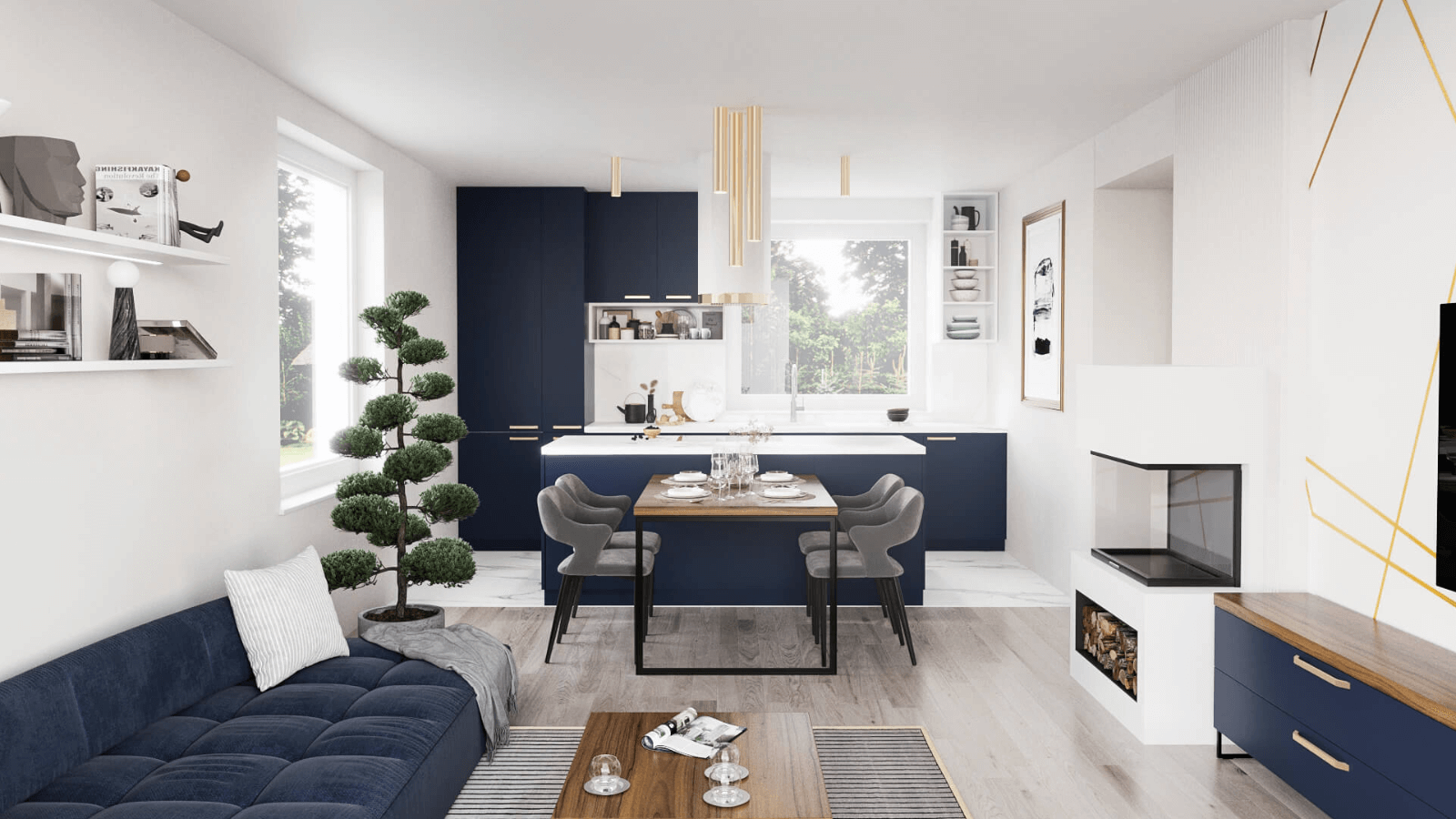
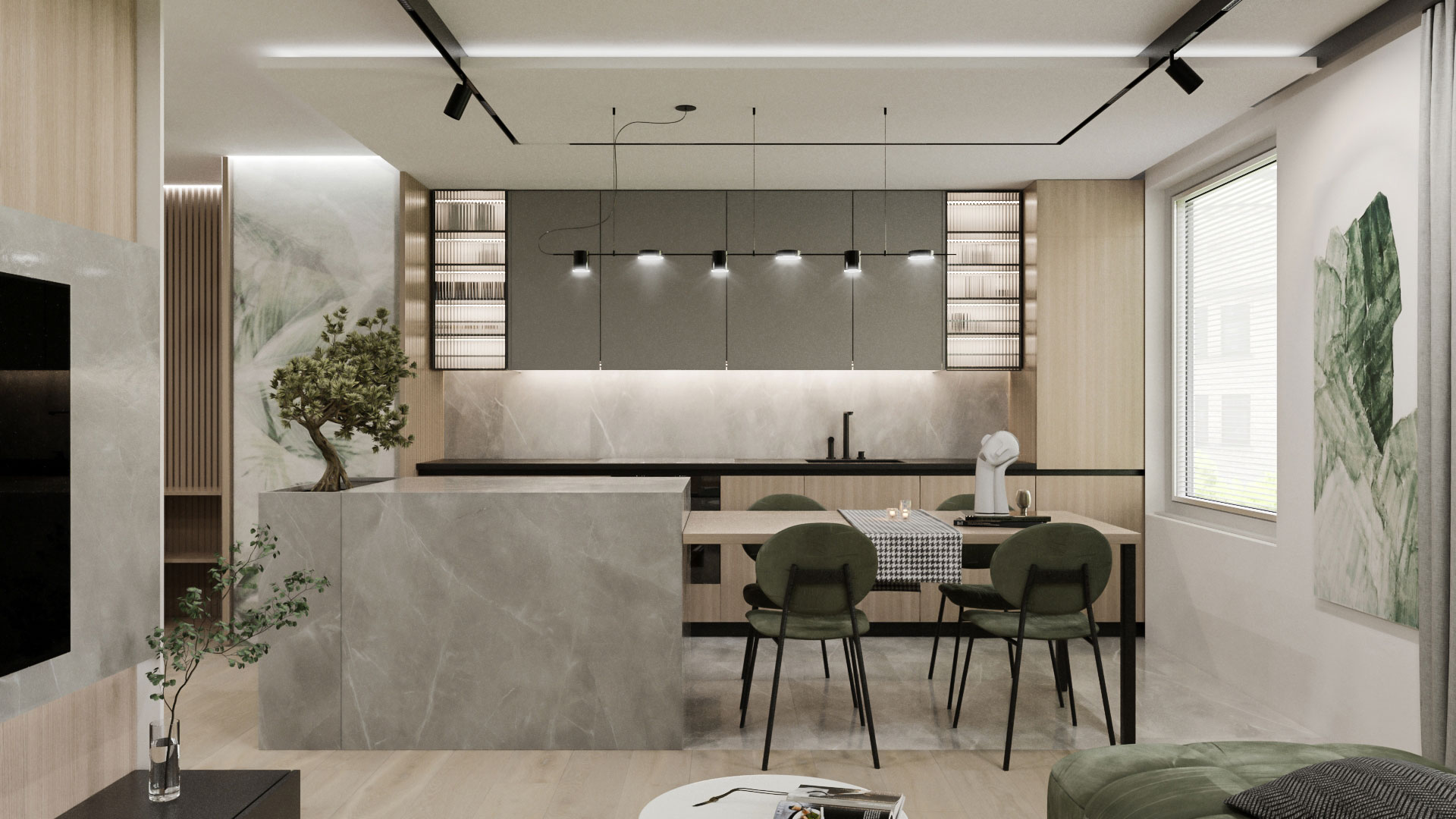
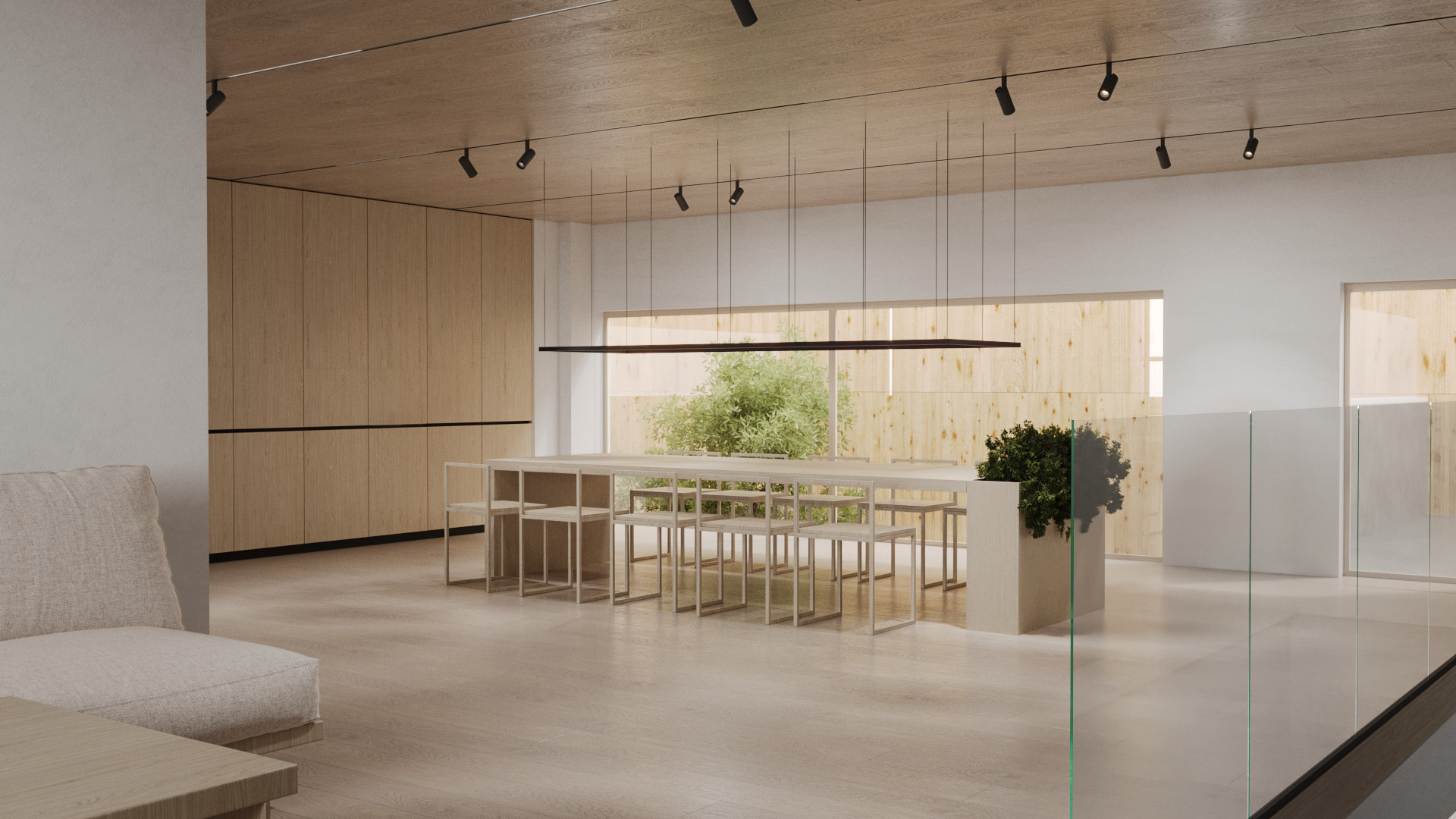
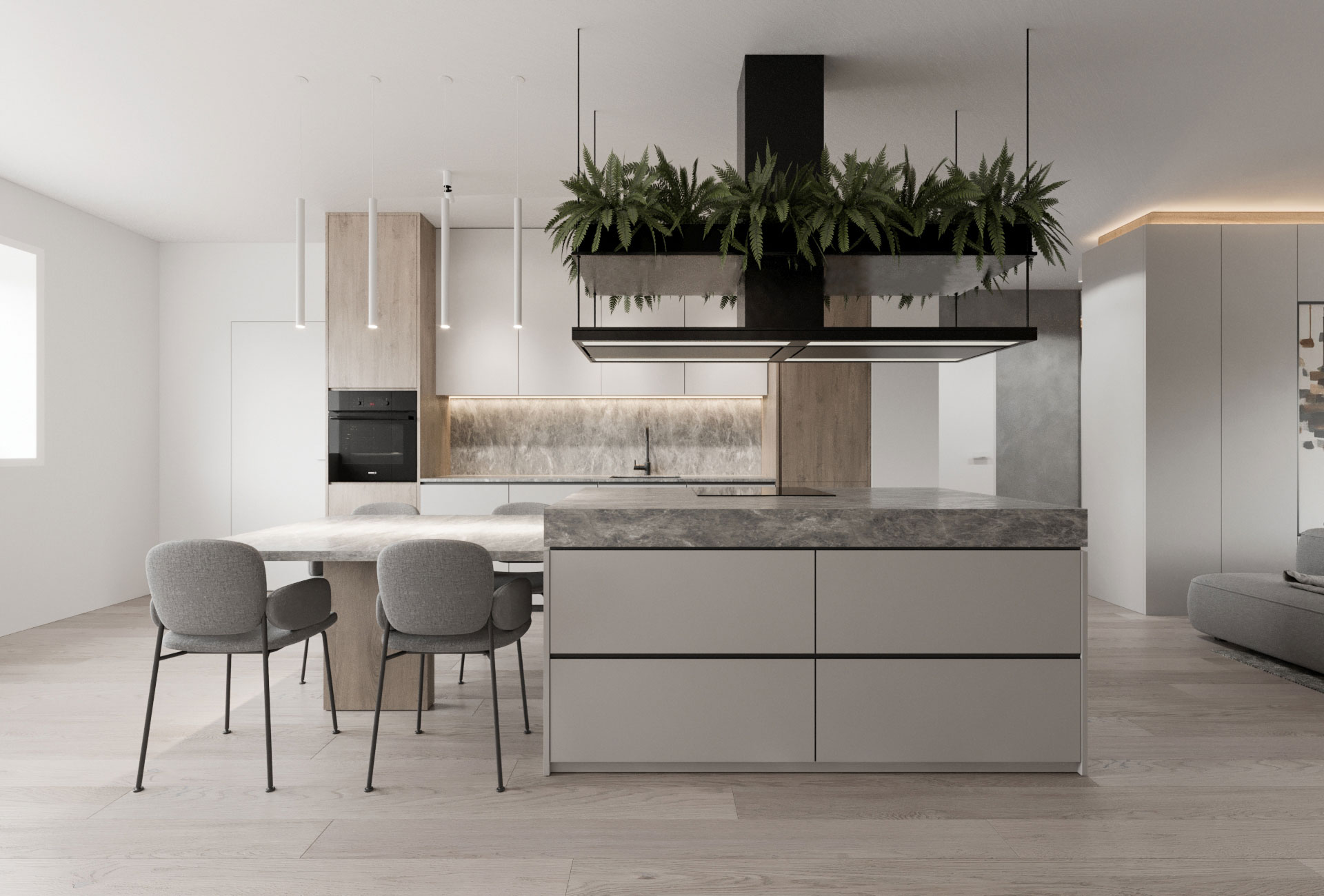
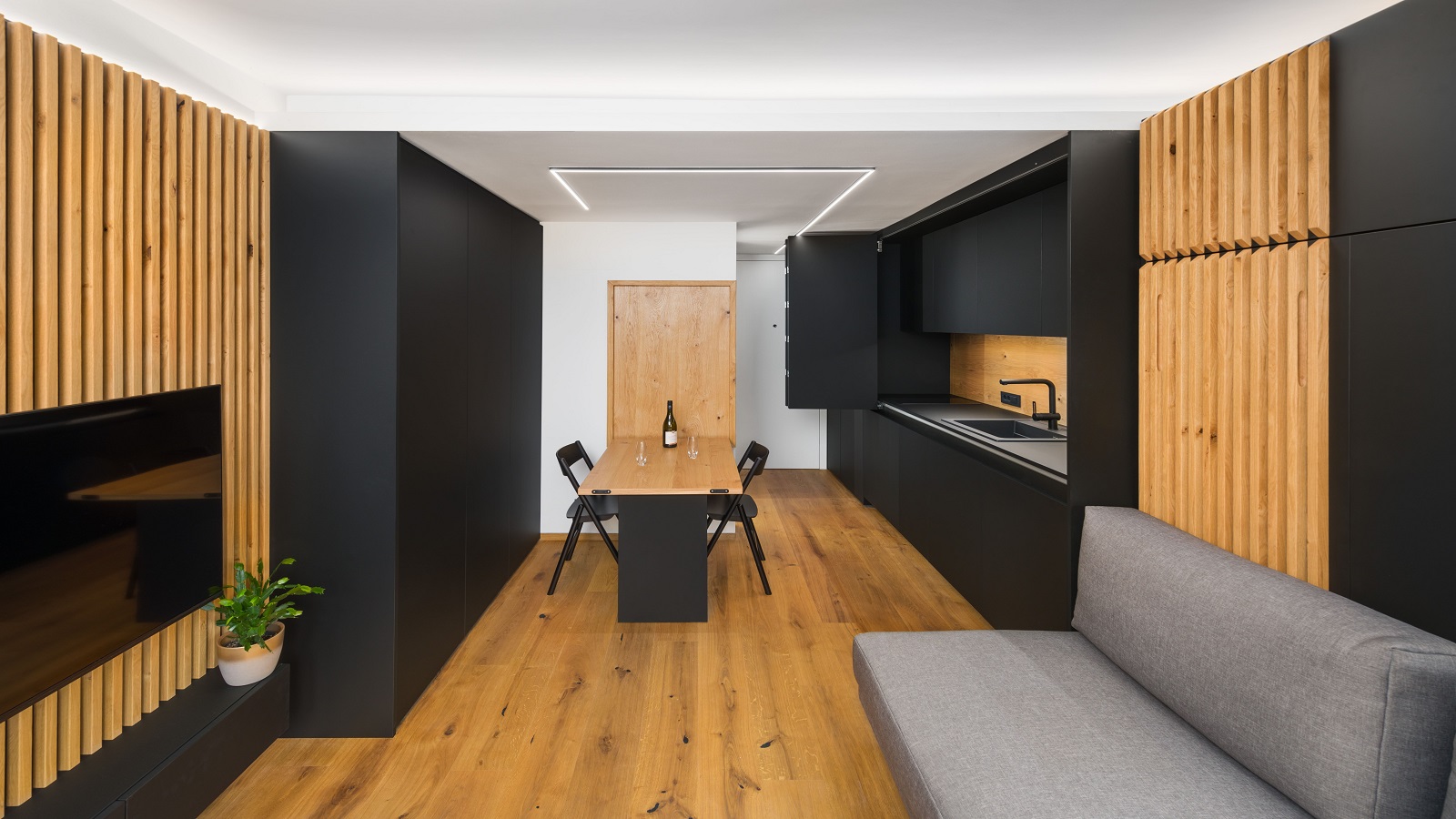
3D rendering of an apartment with a bright dining room and kitchen with wooden cabinets and marble tables
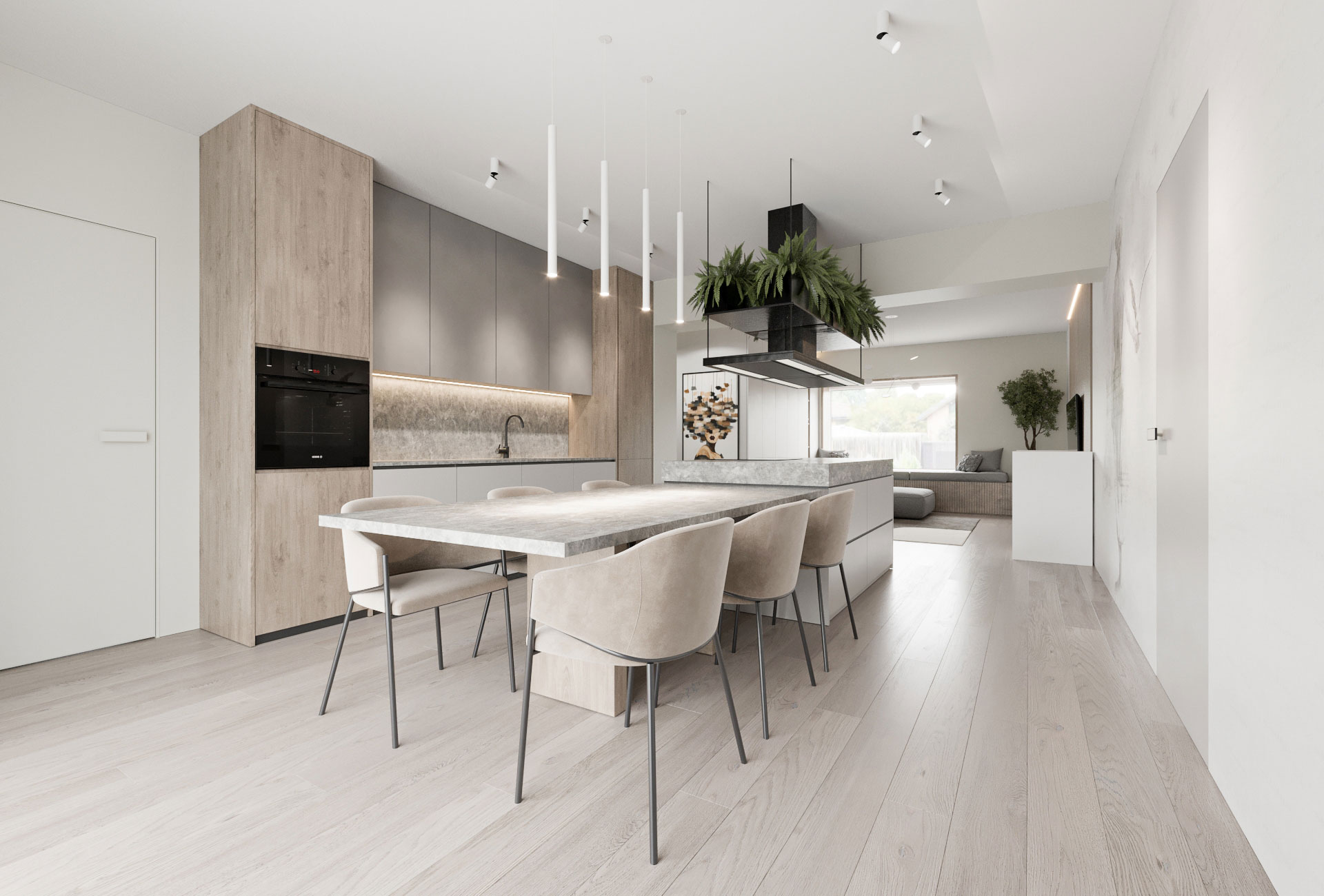
Living room with a sofa next to a bright kitchen with a wooden dining table, a kitchen island and a large plant
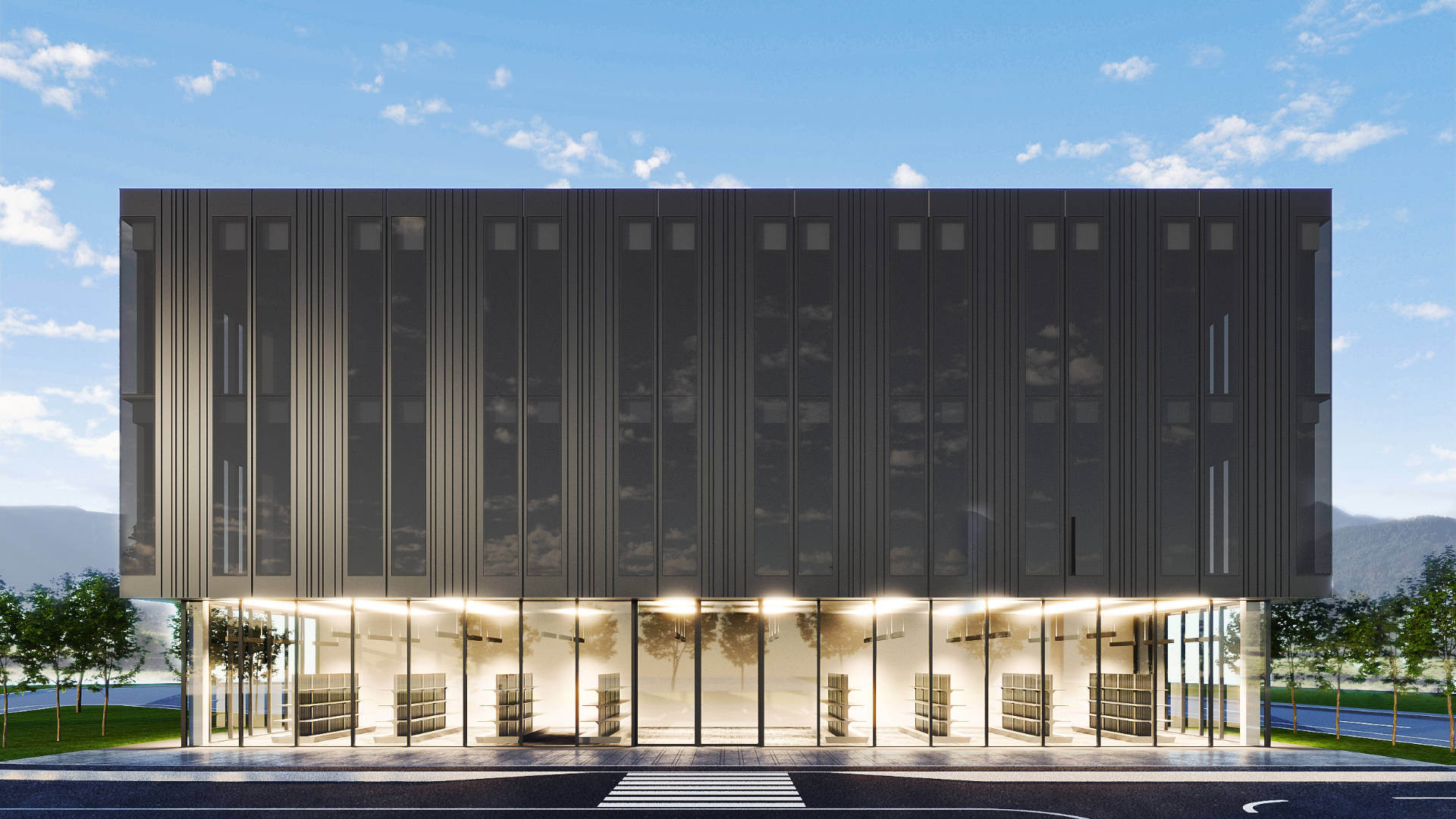
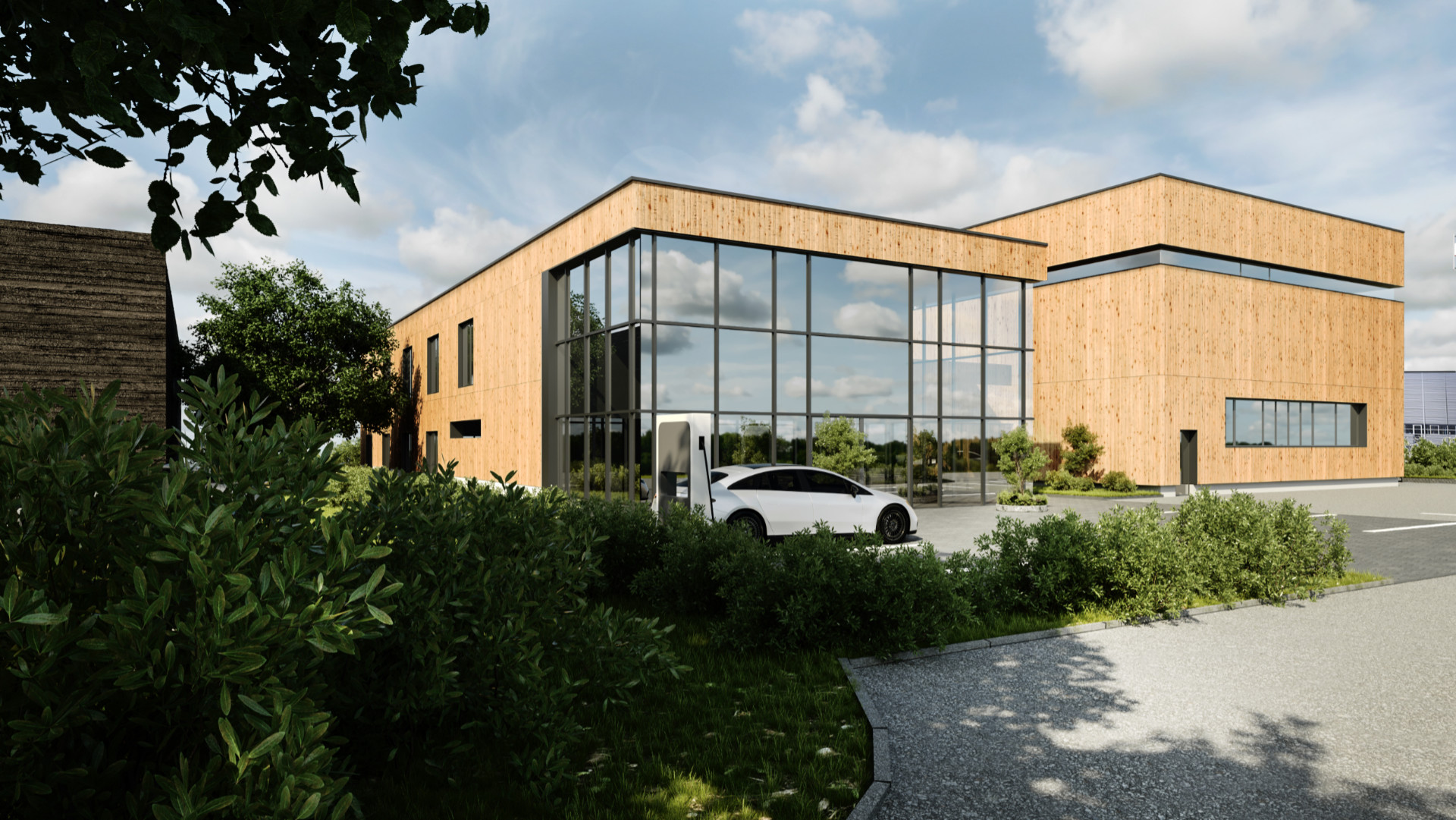
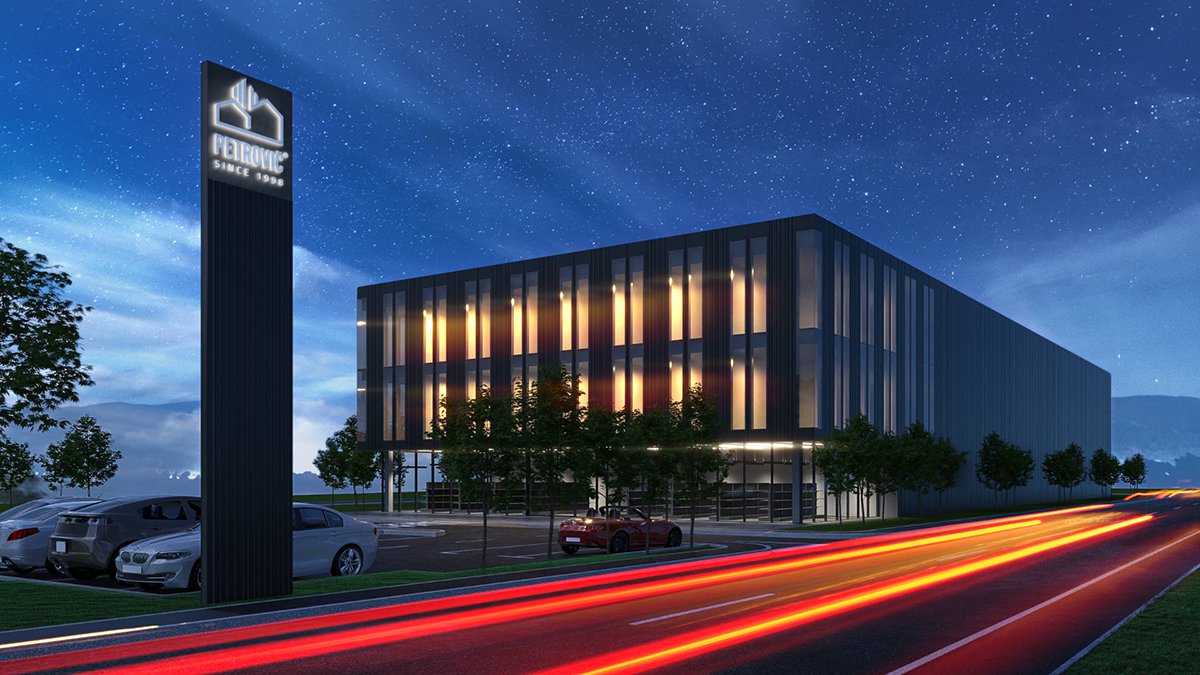
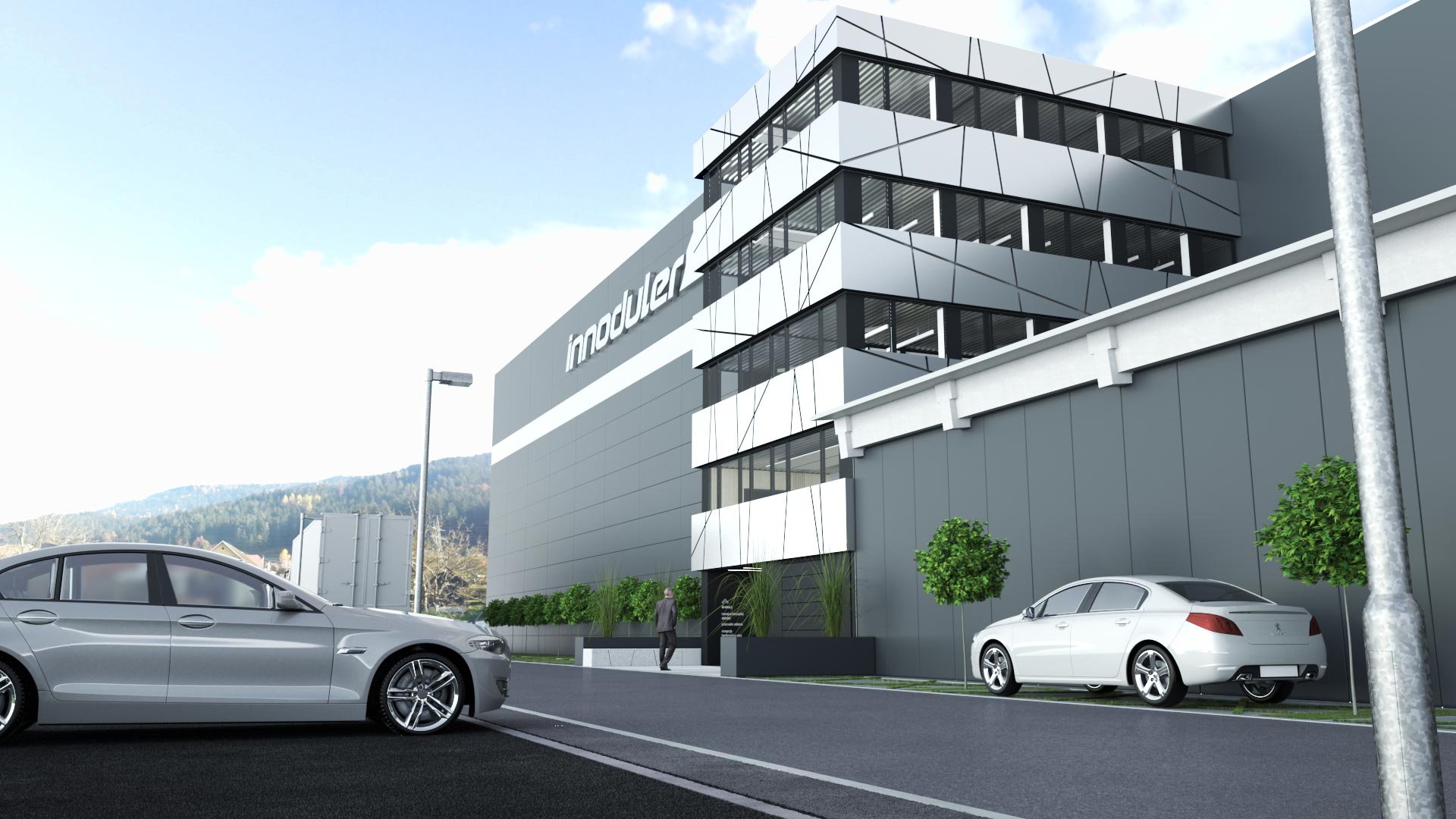
Petrovič office building with a black facade and a parking lot

We capture the soul of your project before it becomes reality

RENDER CREATION PROCESS

3D MODEL
AMBIENT LIGHT
LIGHTING
MATERIALS
PHOTOSHOP

3D Model

In the first phase, we create the basic three-dimensional form, pure geometry without light, materials, or background. This is where we define proportions, volume, and composition, and check whether the design works spatially and functionally. It’s the moment when an idea first transforms into a tangible shape.

Render Ambient Light

Once the base model is ready, we add gentle ambient lighting that gives the space depth and a soft atmospheric feel. This phase allows us to test the composition and the initial sense of the space, without strong shadows or contrasts. It’s about establishing a balanced foundation on which we’ll build a realistic visualization.

lighting Render

In the third step, we focus on lighting, one of the key elements that defines the character and mood of a visualization. We add natural and artificial light sources and adjust their intensity, temperature, and direction to create a dynamic, realistic, and emotionally engaging scene. Light reveals form, highlights textures, and shapes the atmosphere.

Material Render

Once the lighting is set, we move on to the materials. We assign textures and surfaces to the objects — wood, concrete, metal, glass, or fabric — ensuring they respond realistically to the light. In this step, we test color combinations, reflections, and details until we achieve the perfect balance between form, materiality, and lighting.

Photoshop

Final Touch
The final step is post-production, where the render comes to life. In Photoshop, we refine colors and lighting, add backgrounds, people, plants, or other elements that create the feeling of a real environment. With subtle adjustments to contrast, color tones, and atmospheric effects, the render gains its final photorealistic appearance, ready for client presentation, exhibition, or publication.

ARCHITECTURE AND INTERIOR RENDERS

CONTACT US

Leave your details here and one of our team members will contact you.

  • CONTACT
  • 031 345 400
  • info@kreatif-design.com
  • ADDRESS
  • Sinja Gorica 105b
  • 1360 Vrhnika
  • Slovenia

ALL RIGHTS RESERVED 2024 KREATIF DESIGN